

Prescient AI
Your in-product AI assistant, grounded in your own model. Ask about the last 30 days, compare channels, or find what performance shifted. Every answer is rooted in your data.
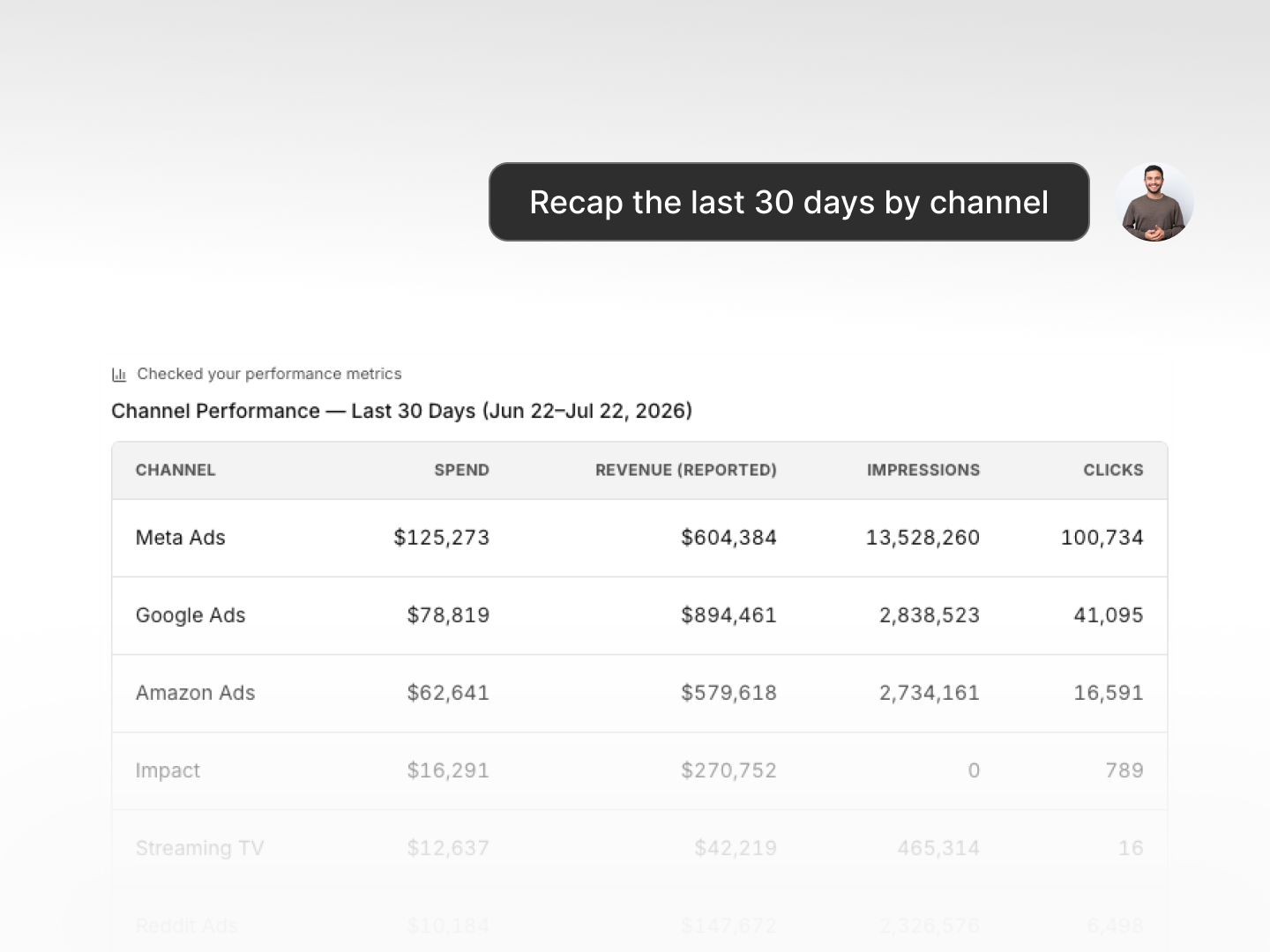
Recaps
"Recap the last 30 days by channel." Get a full summary of spend, modeled ROAS, and halo effects drawn from your own model and historical data, not an industry benchmark.
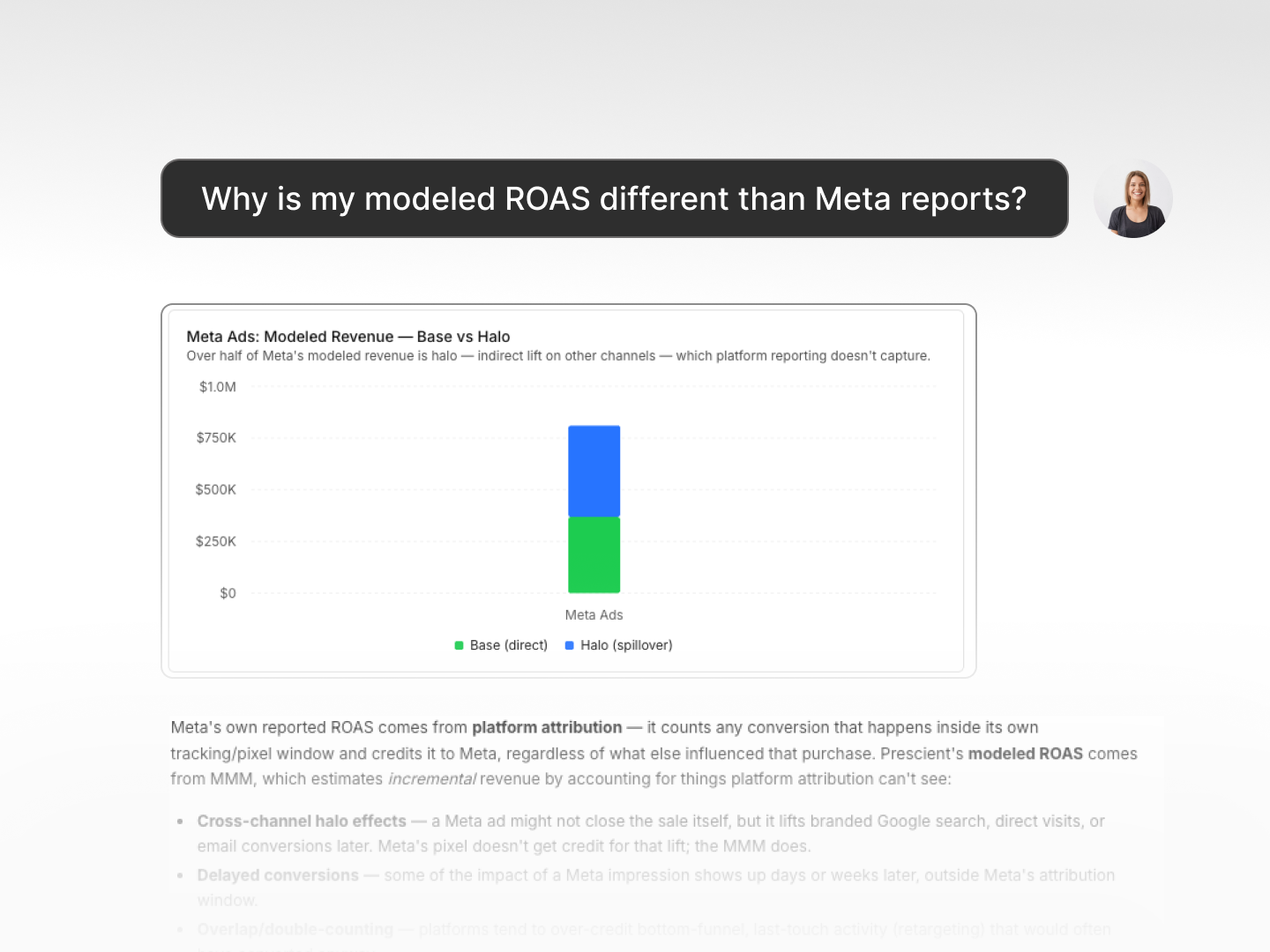
Diagnostics
"Why does my modeled ROAS differ from what Meta reports?" Dig into the gap between platform-reported and modeled numbers, with every answer pulled from your brand's data.
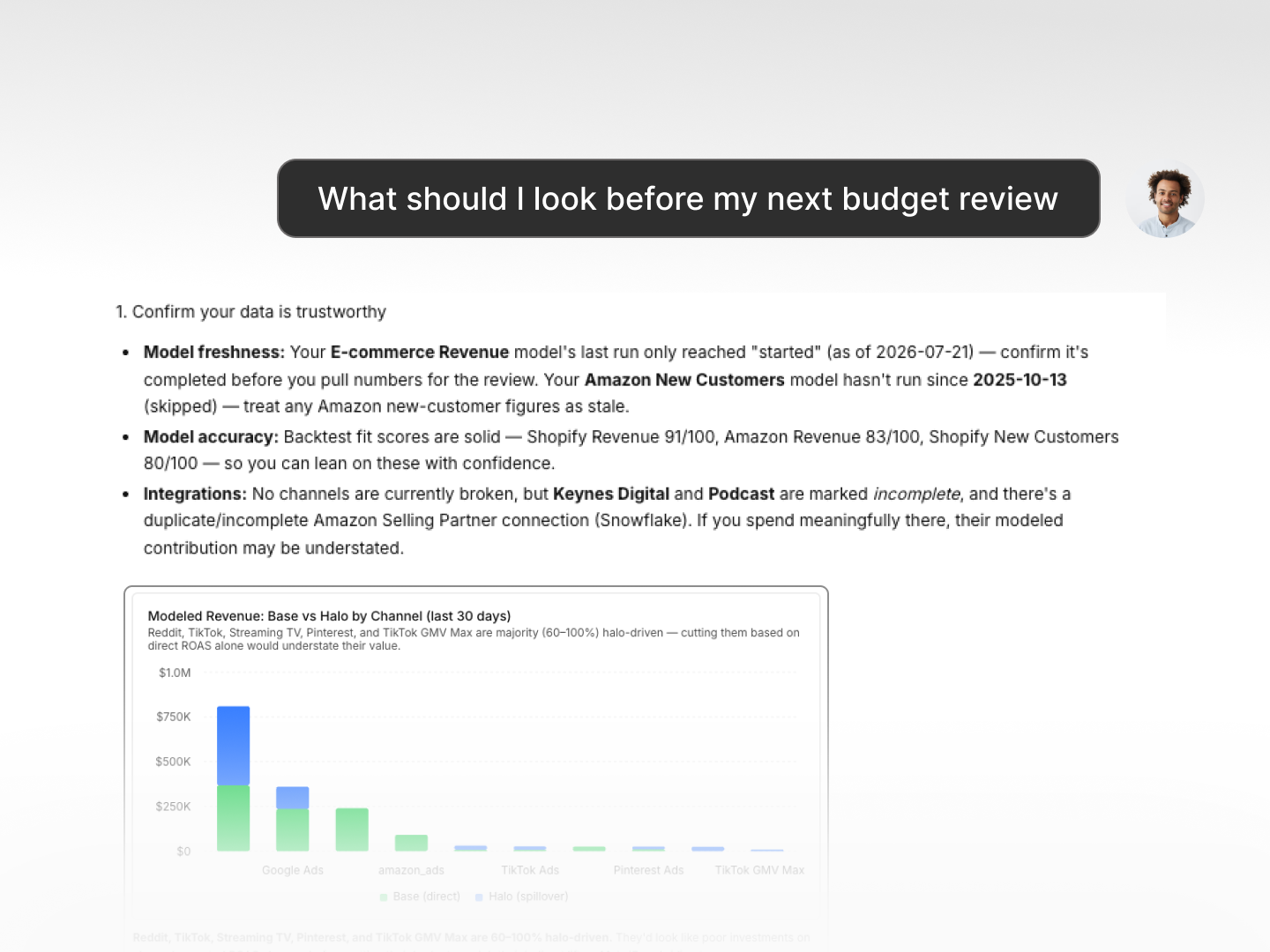
Next best action
Ask what deserves attention and Prescient AI surfaces the next best action from your model, so you walk into the budget review with context ready.
Media Forecaster
Build forward-looking media plans using your brand's unique model. Set a budget, pick a goal, and get a recommended allocation across every channel, with baseline, optimized, and actual views side by side.
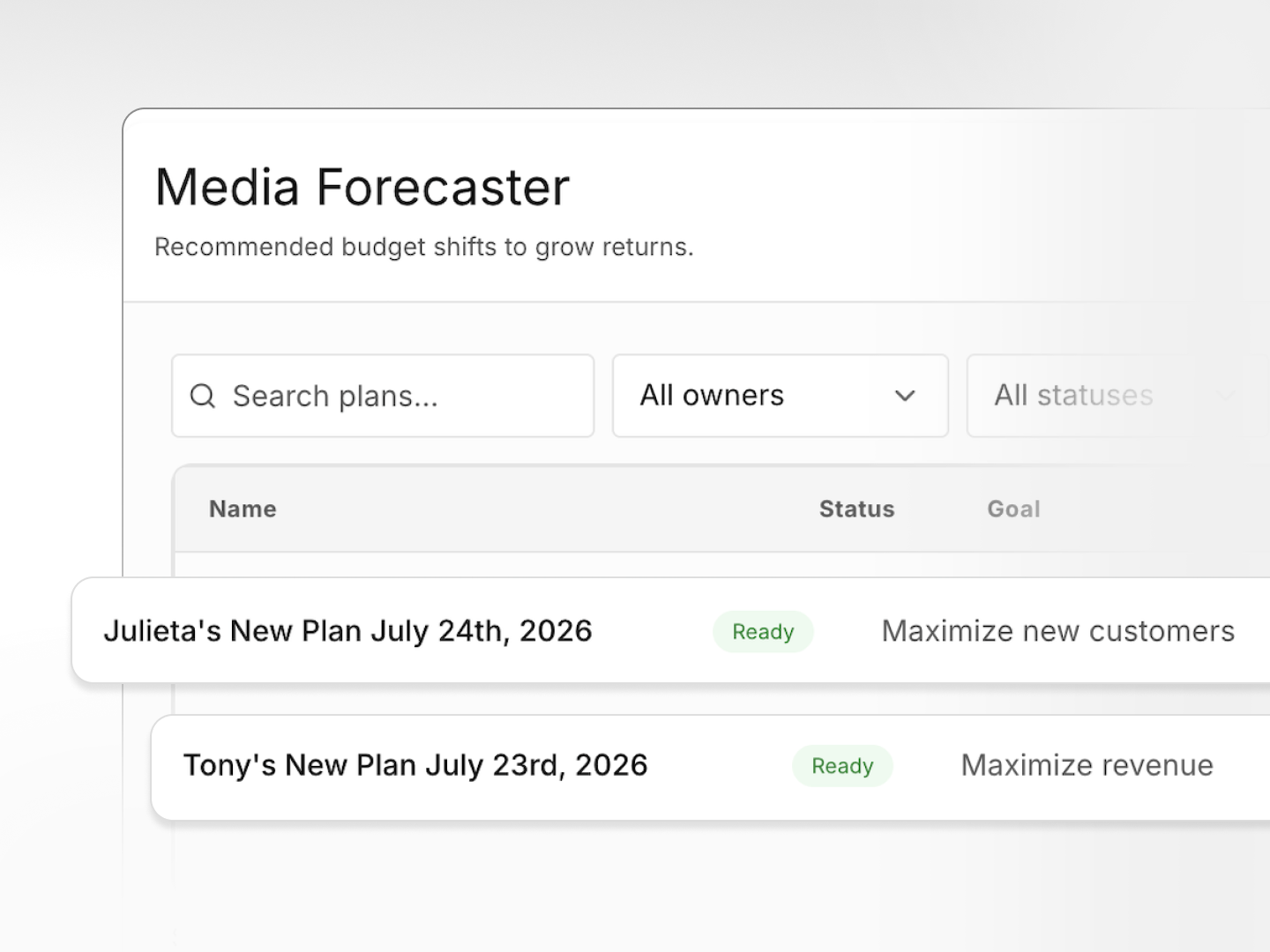
My Plans
All of your plans in one place: name, owner, period, goal, and status. Search and filter by owner, status, or visibility. Each plan is Ready, Processing, or Failed.
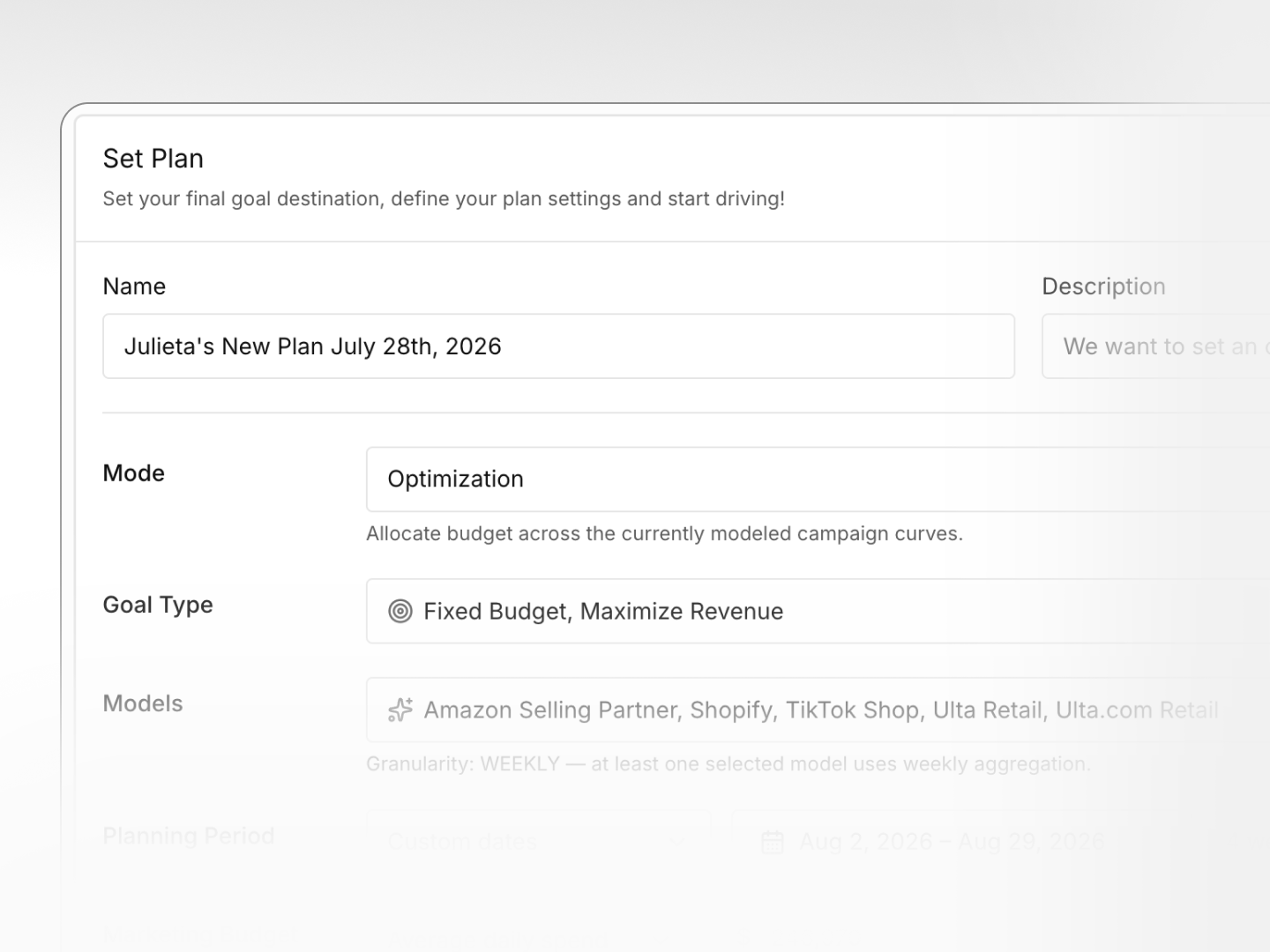
Create a new plan
Name your plan, pick a goal, select your models, and set a planning period and budget. Prescient builds the optimized allocation across your full media mix.
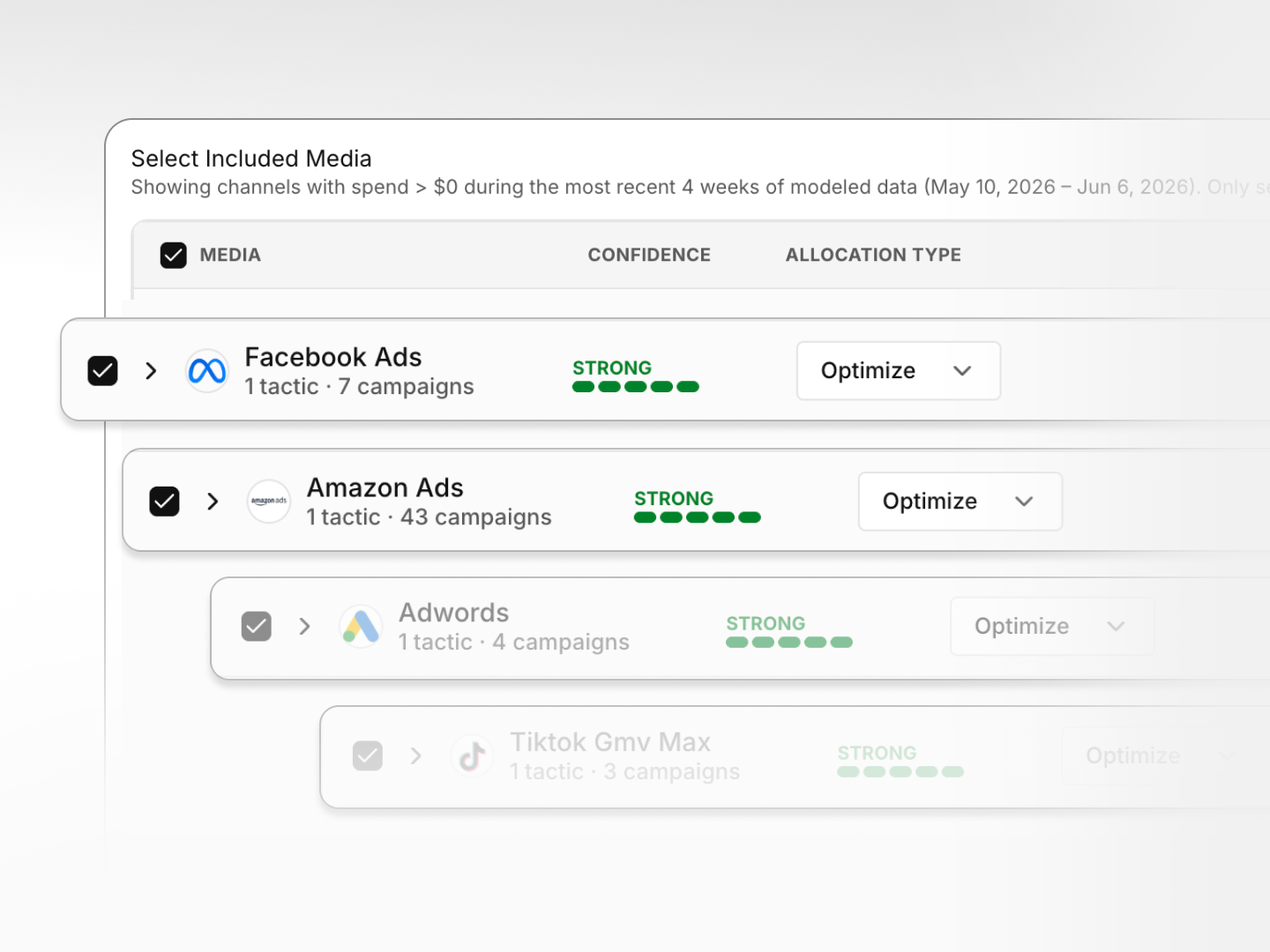
Select included media
Choose channels and tactics to include in the forecast. See forecast confidence, optimization setting, recent spend, and modeled ROAS, then optimize, preserve, or constrain each one.
Model Center
Health, signals, configuration, and a Model Accuracy score from 0 to 100, all in one place. See what changed and why without waiting on a ticket.
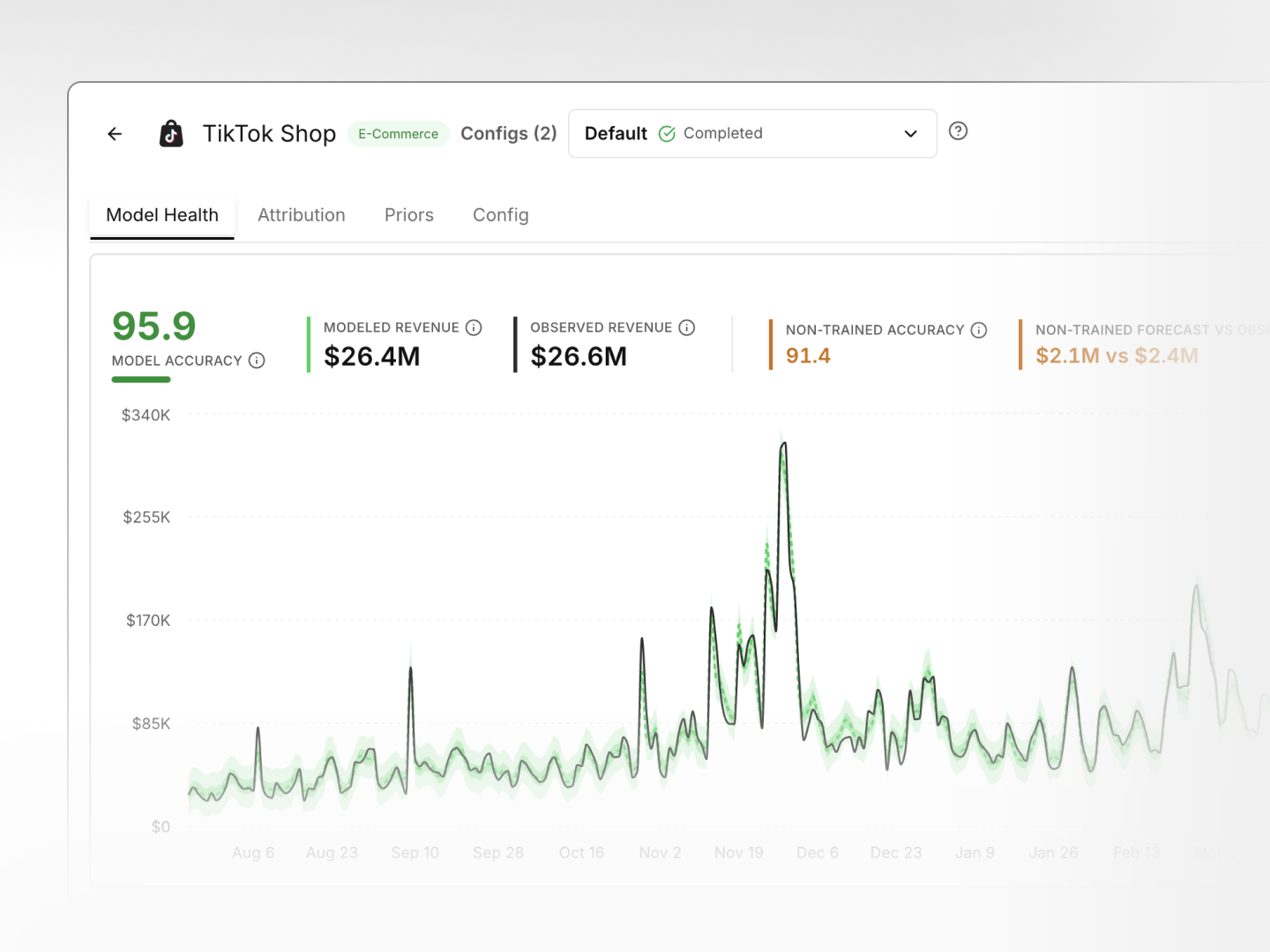
Model health
Review model accuracy, modeled vs. observed results, and non-trained forecast performance. Use combined or decomposed views to explore media and non-media effects.
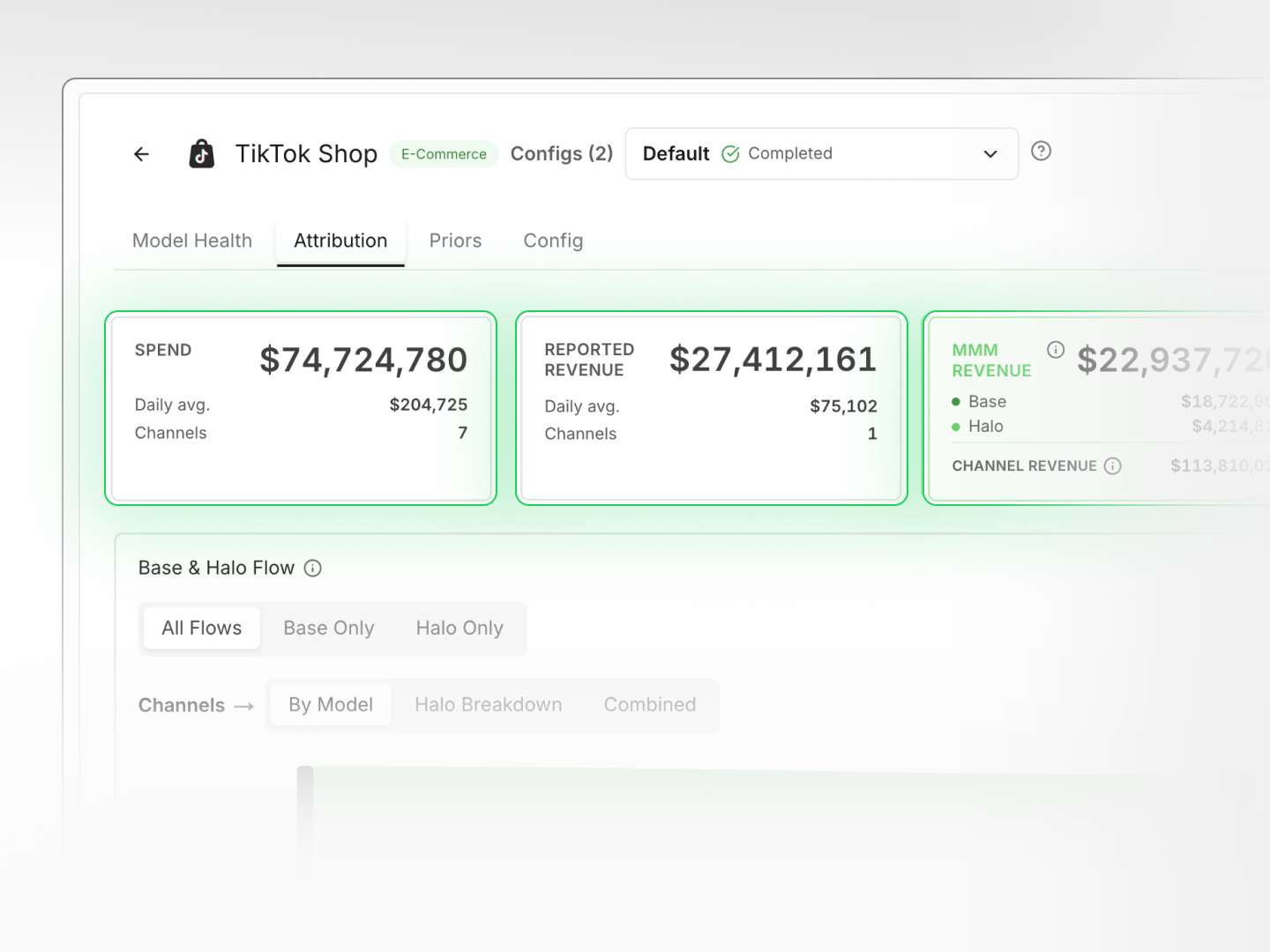
Attribution
See how the model distributes incremental performance across your media mix. including the direct impact of a channel or campaign and its halo effects across other channels.
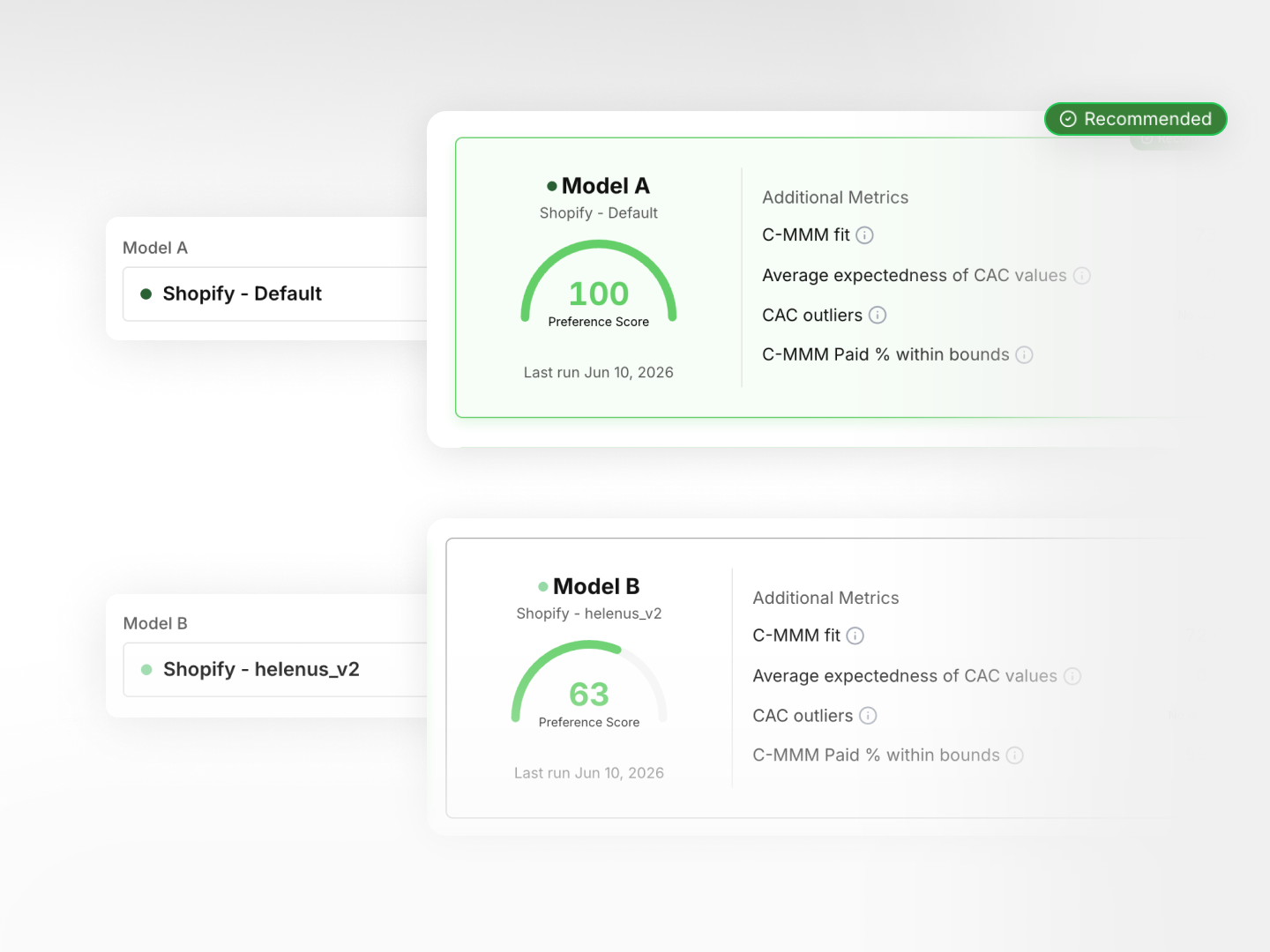
Model comparison
Evaluate two configurations side by side: model health, performance metrics, and attribution outputs. Pick the one that most accurately reflects your business.
Data Center
Self-service integrations, connectors, and campaign mapping. Map changes yourself in minutes, no ticket required.
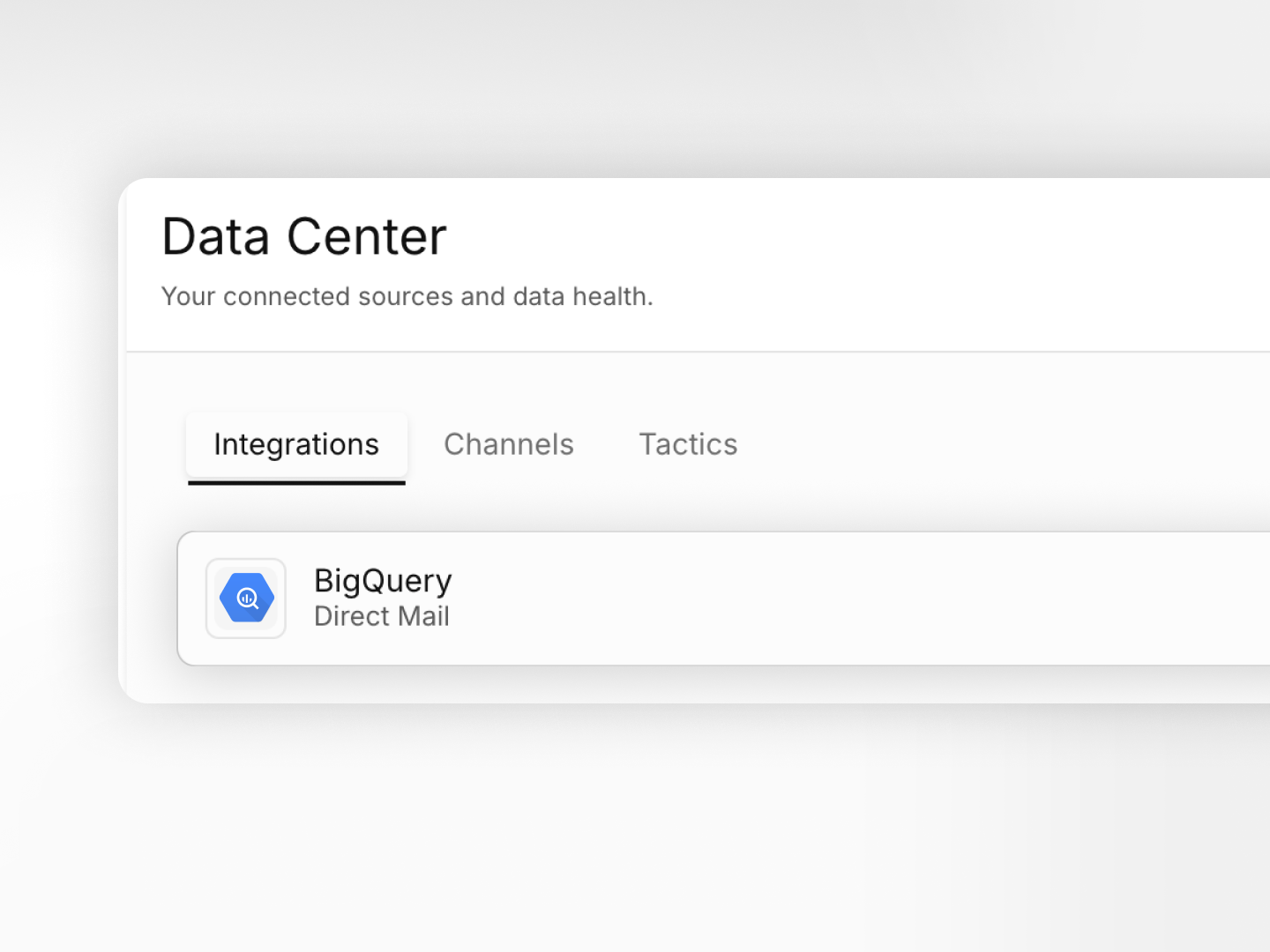
Integrations
See every system Prescient reads from: BigQuery, Snowflake, ad platforms, and ecommerce. Check status, review credentials, and manage connections in one place.
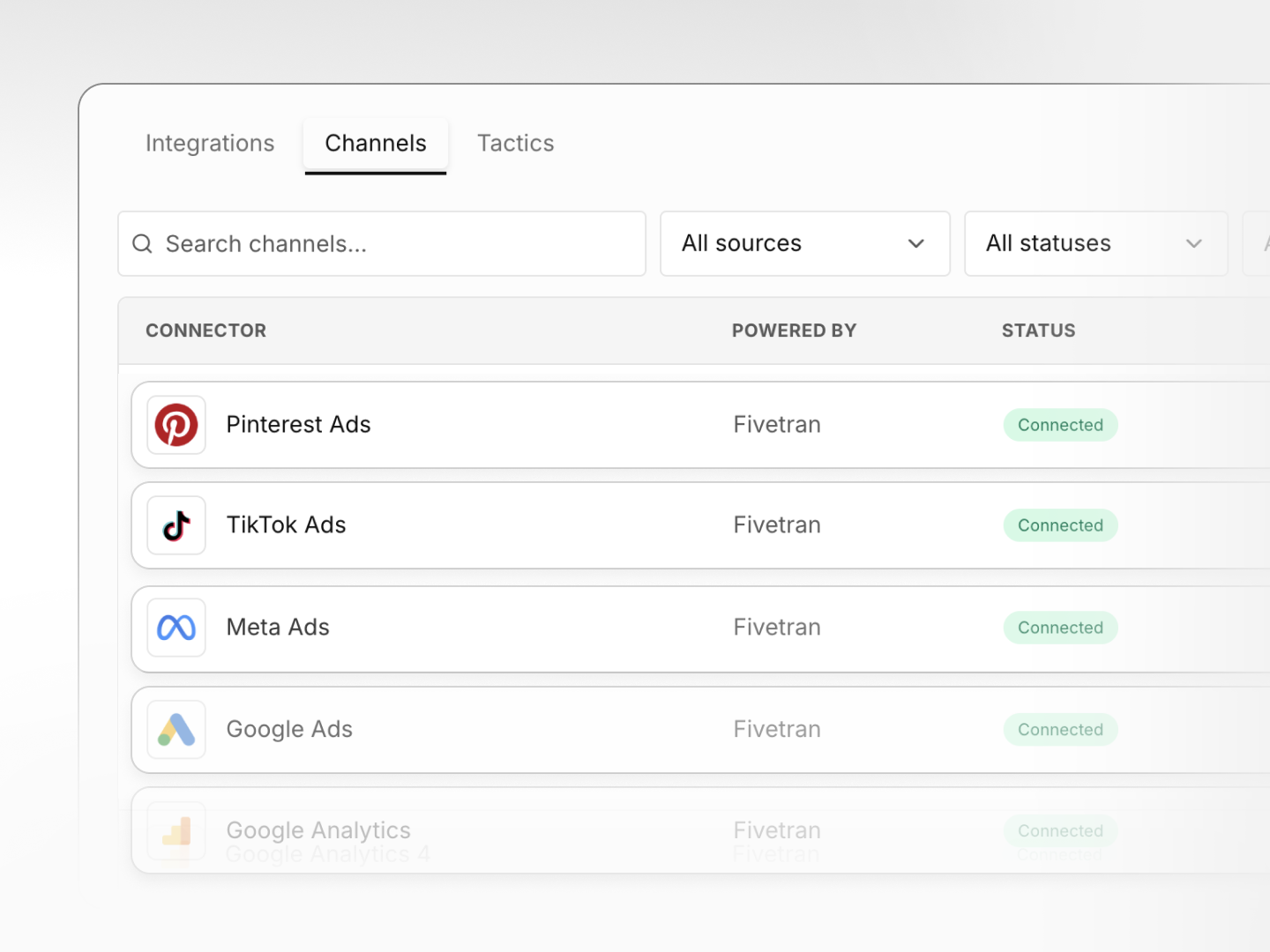
Channels
See every data feed powering your models: ad platforms, ecommerce, retail, and analytics. Review sync status, history, and connection health at a glance.
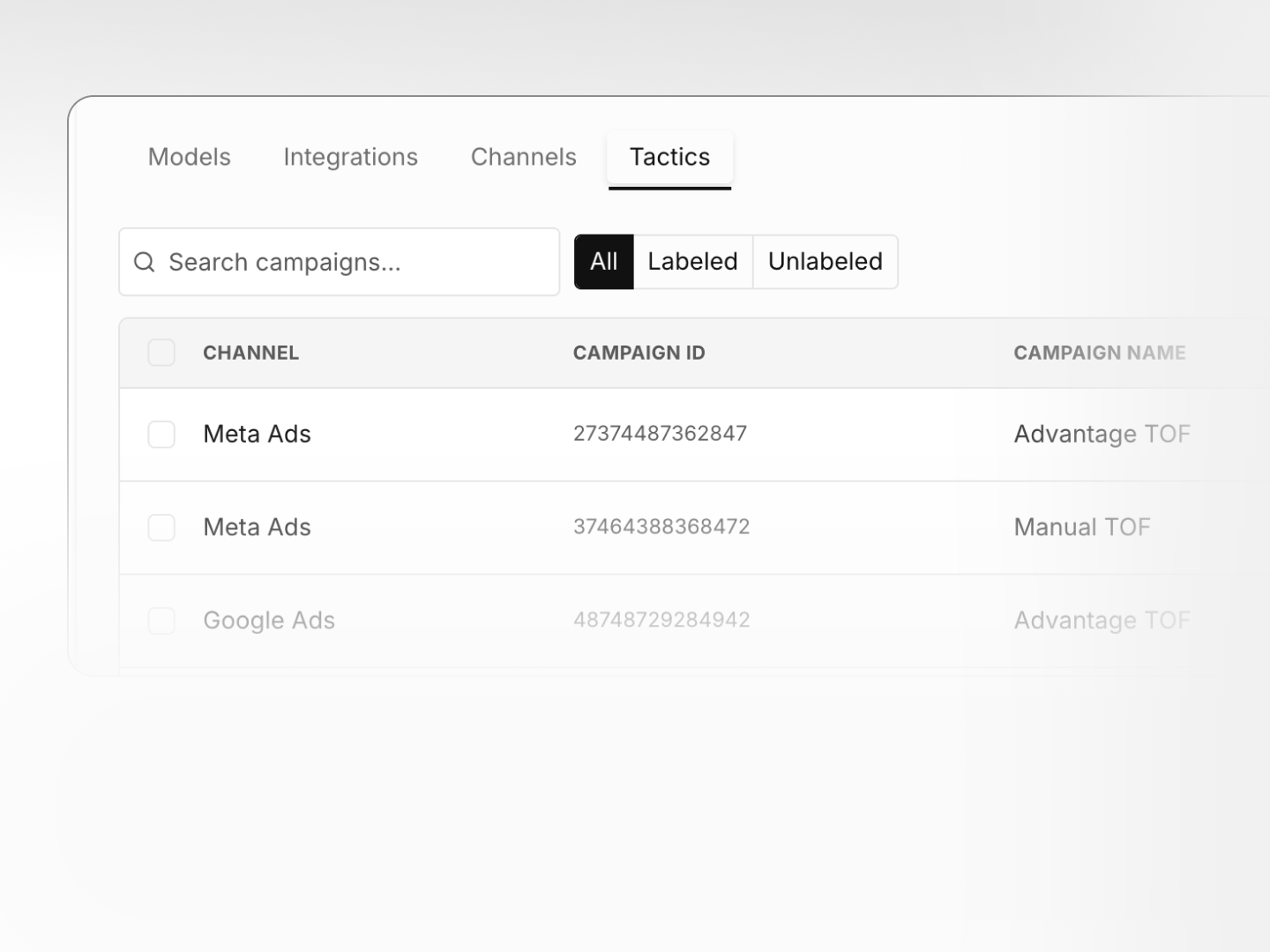
Tactics
Organize campaigns into the right modeling groups. Review labeled and unlabeled campaigns, check spend, and assign tactics to keep your model inputs clean.
Attribution
Your platform reports one ROAS, your model reports another. See where they diverge to gain context and put budget behind what's actually working.
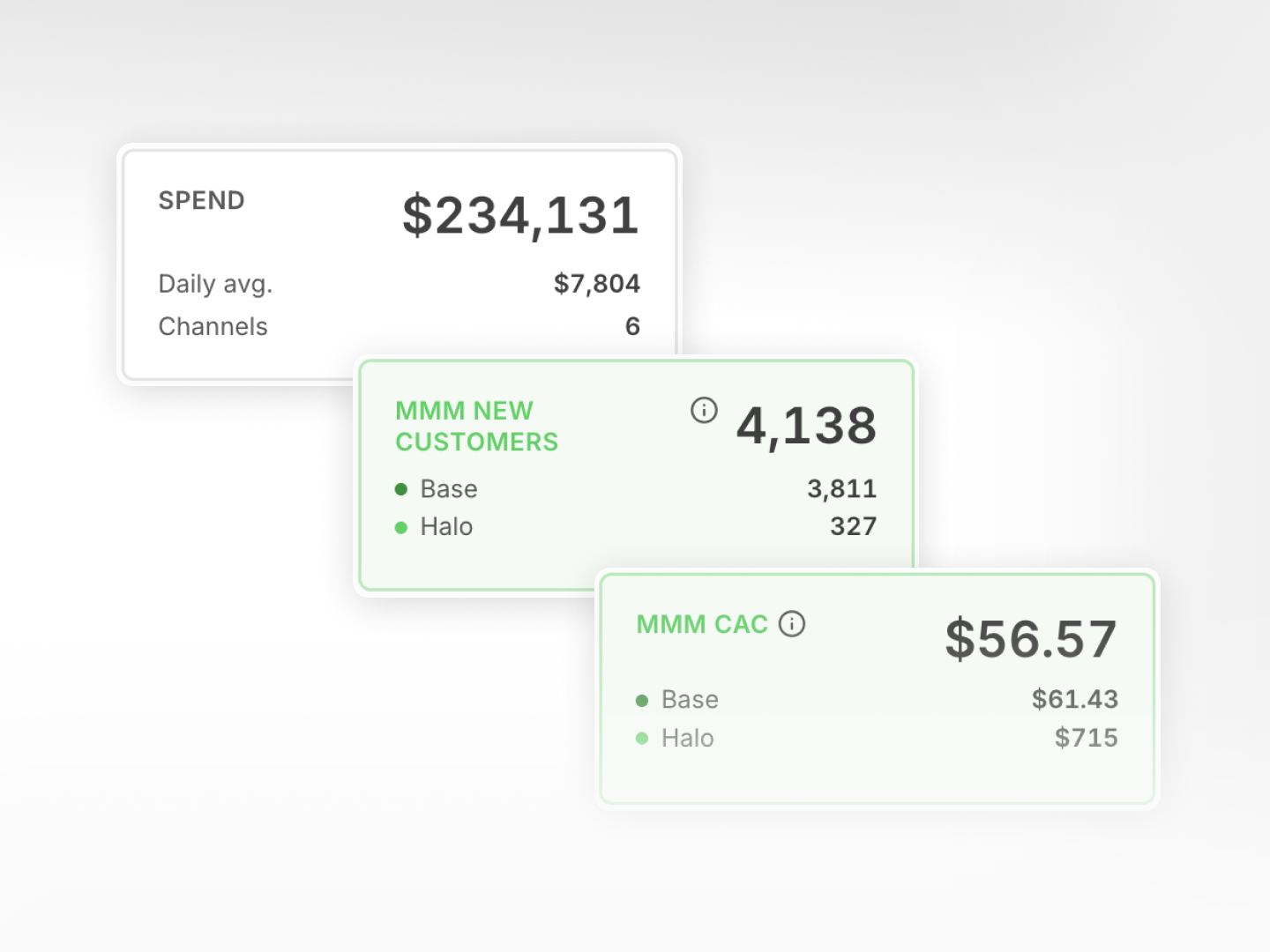
Performance summary
Dig into spend, MMM revenue, base and halo effect breakdowns, MMM ROAS, or switch to New Customers for CAC and acquisition metrics. See the full picture for any date range.
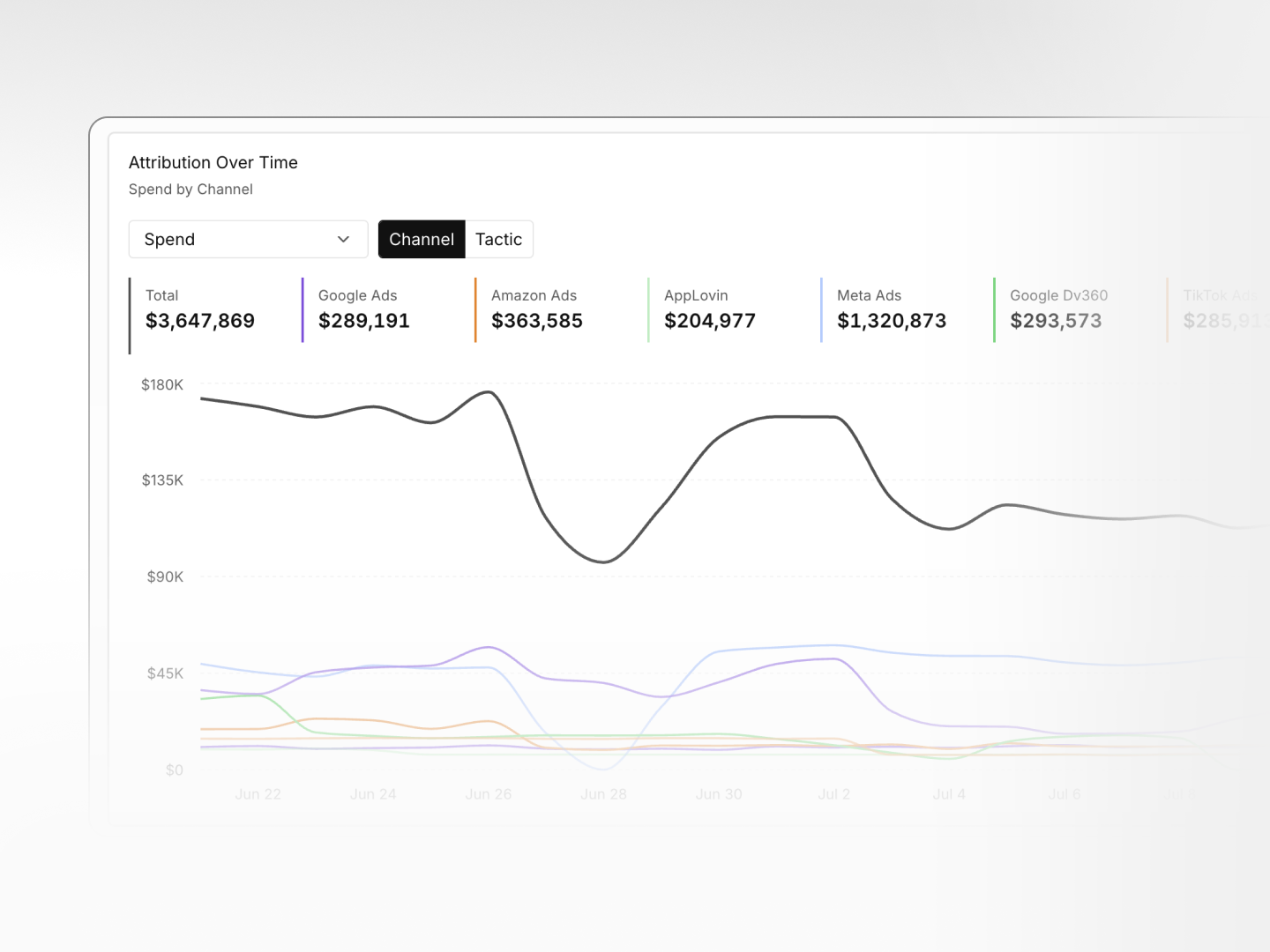
Attribution over time
Compare spend vs MMM revenue and modeled vs platform ROAS, or break down any metric by channel or tactic. Drill into your performance, down to the campaign level.
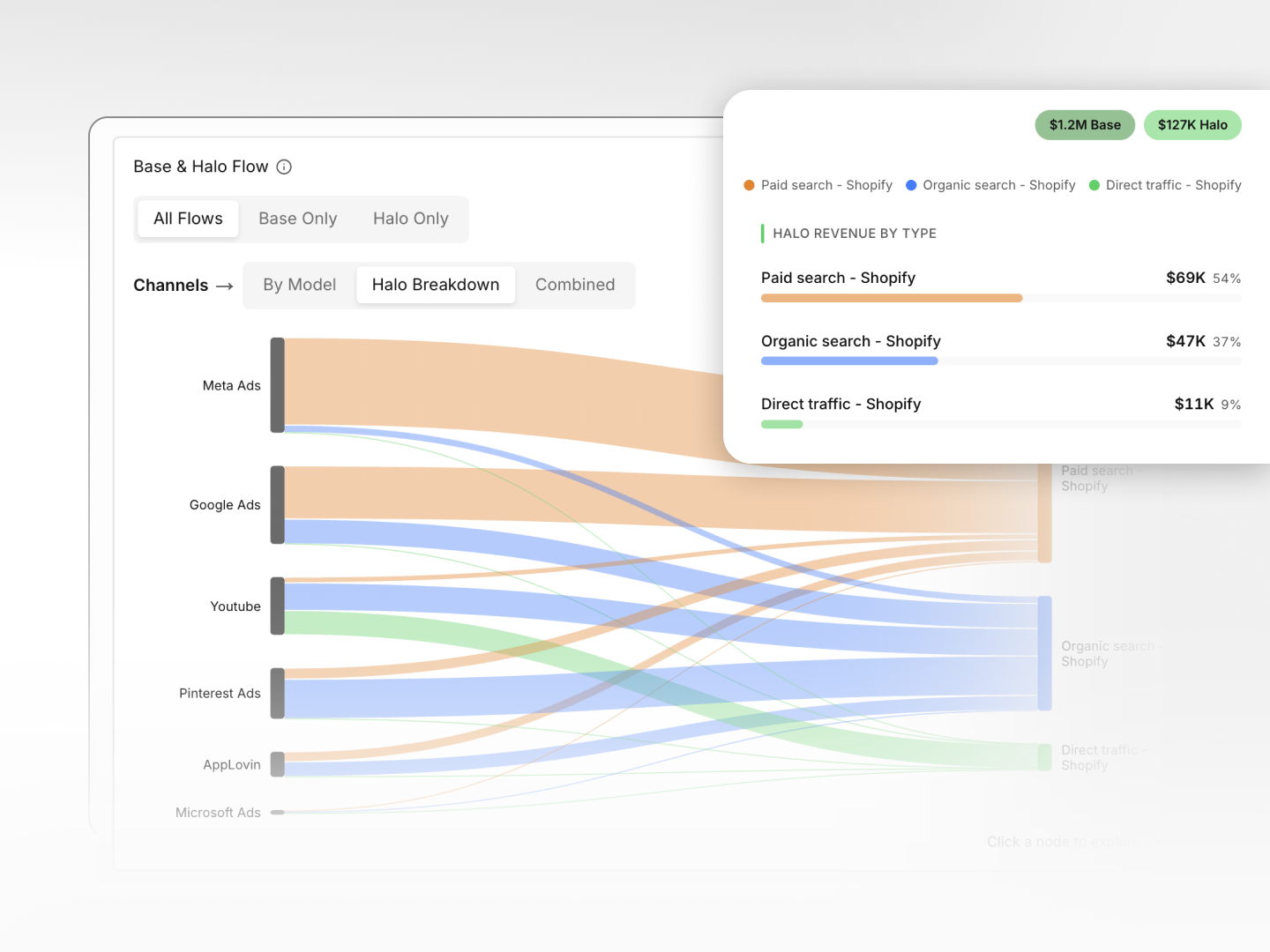
Base and Halo flows
Visualize how each channel contributes directly (Base) and indirectly (Halo) across your business outcomes. Filter by all flows, base only, halo only, or by model.
Onboarding
Guided setup that shows only what your account needs, tracks progress, and flags issues before they hold up your first model.
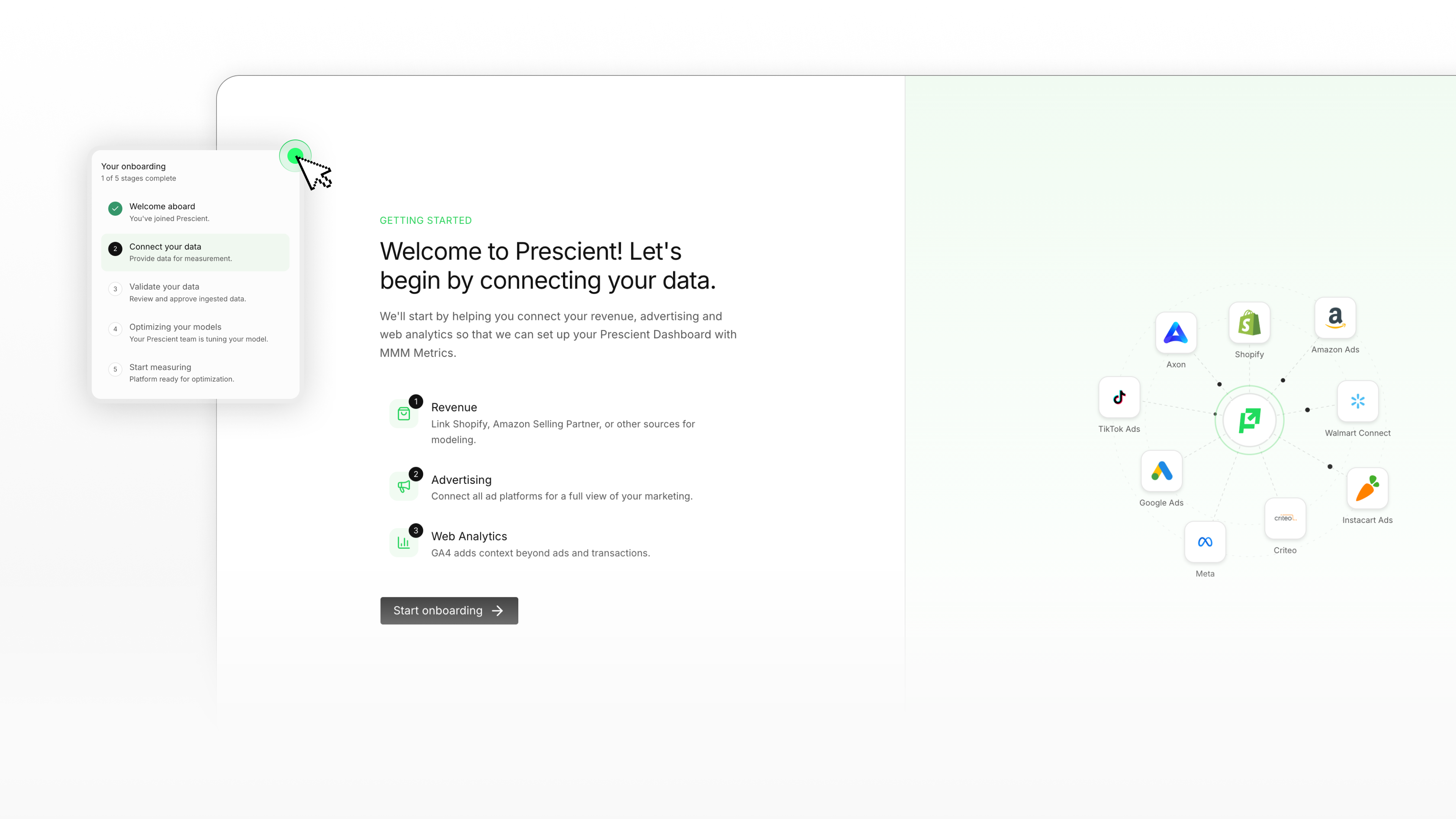
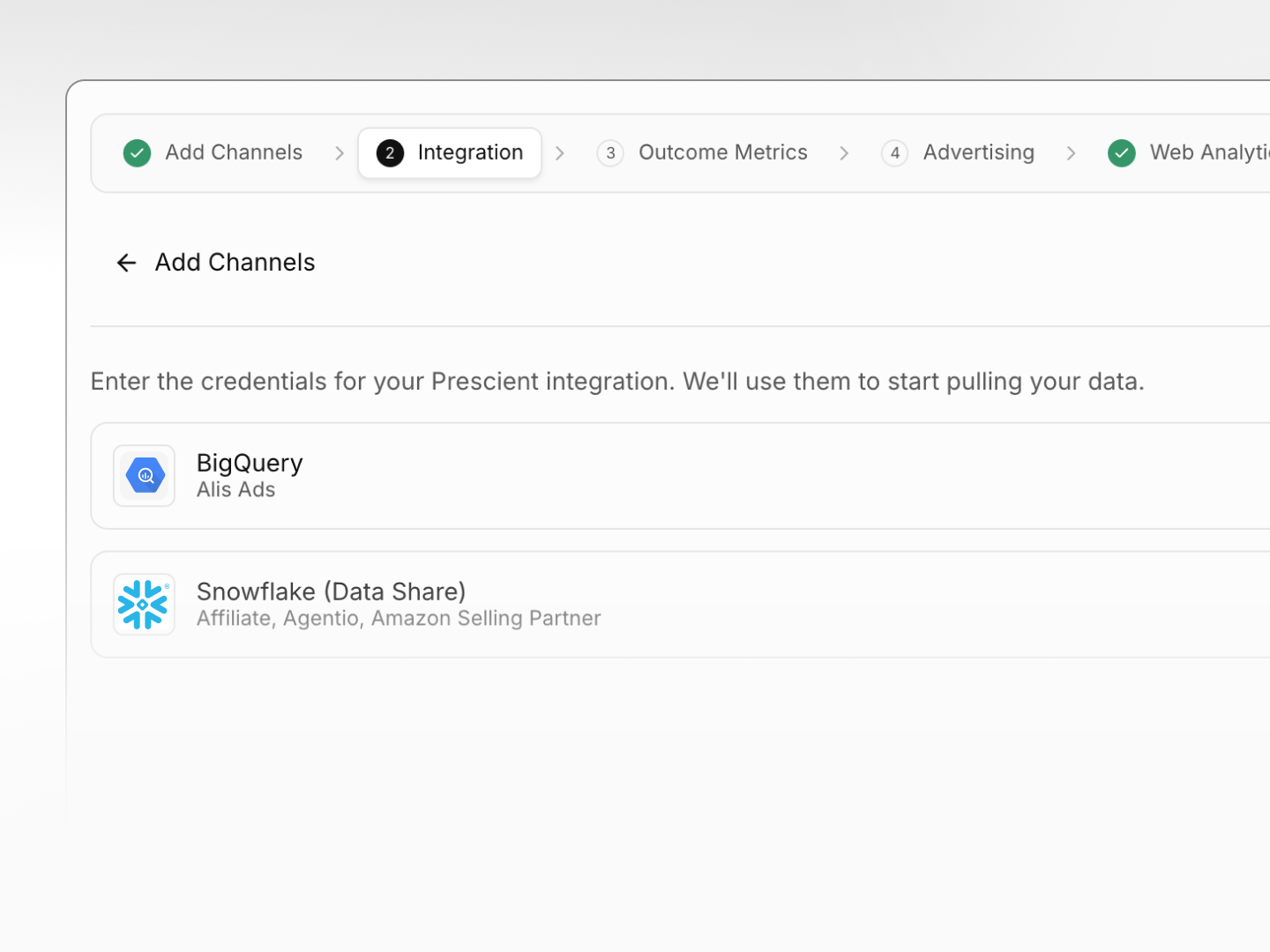
Connect your data
Prescient shows only the channels your workspace needs. Sign in, choose the relevant accounts, approve read-only access, and save. Most integrations take seconds.
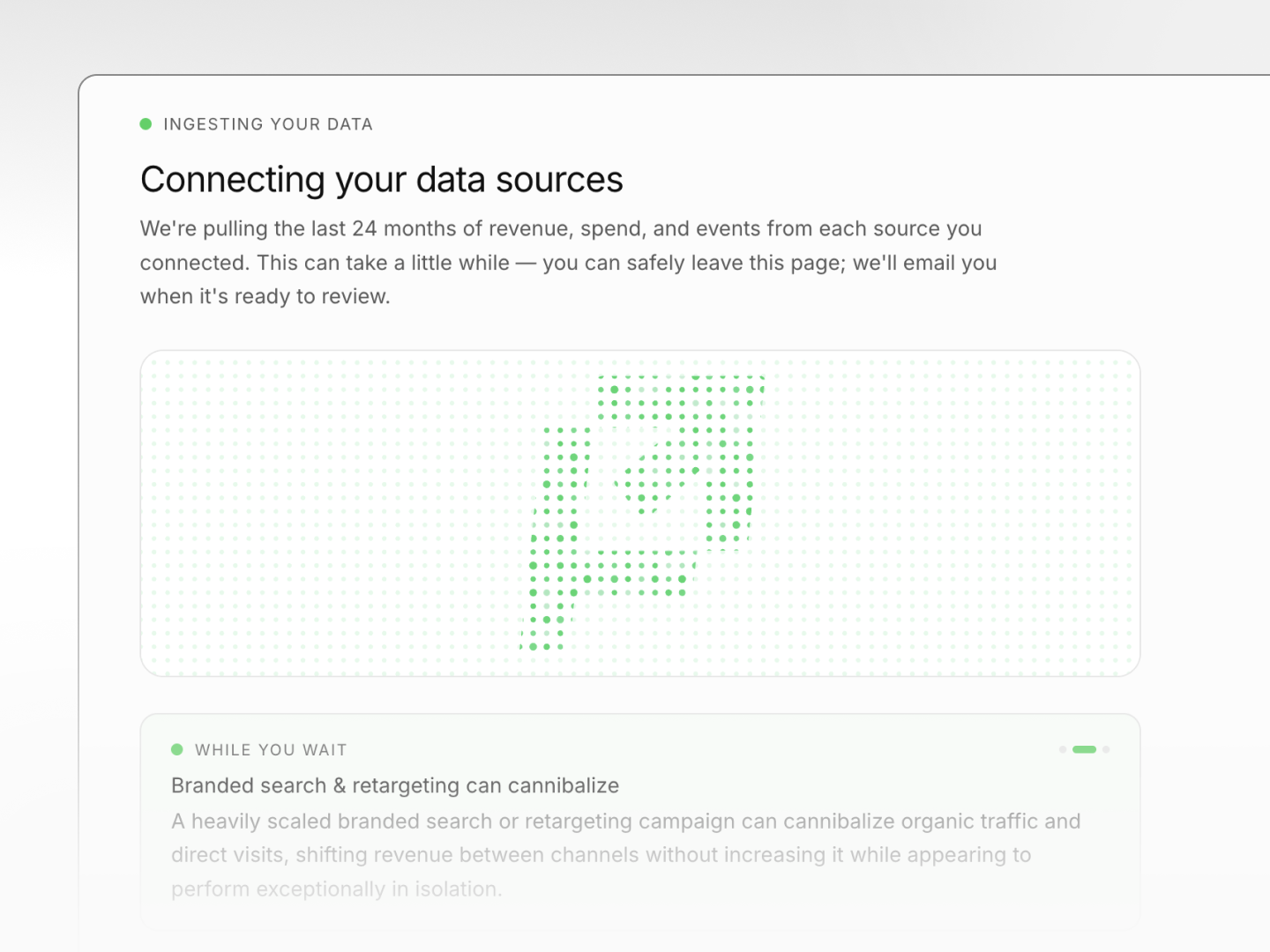
Automatic data sync
Once connected, Prescient imports historical data and keeps syncing automatically. No manual uploads, a confirmation email arrives when you're ready for next steps.
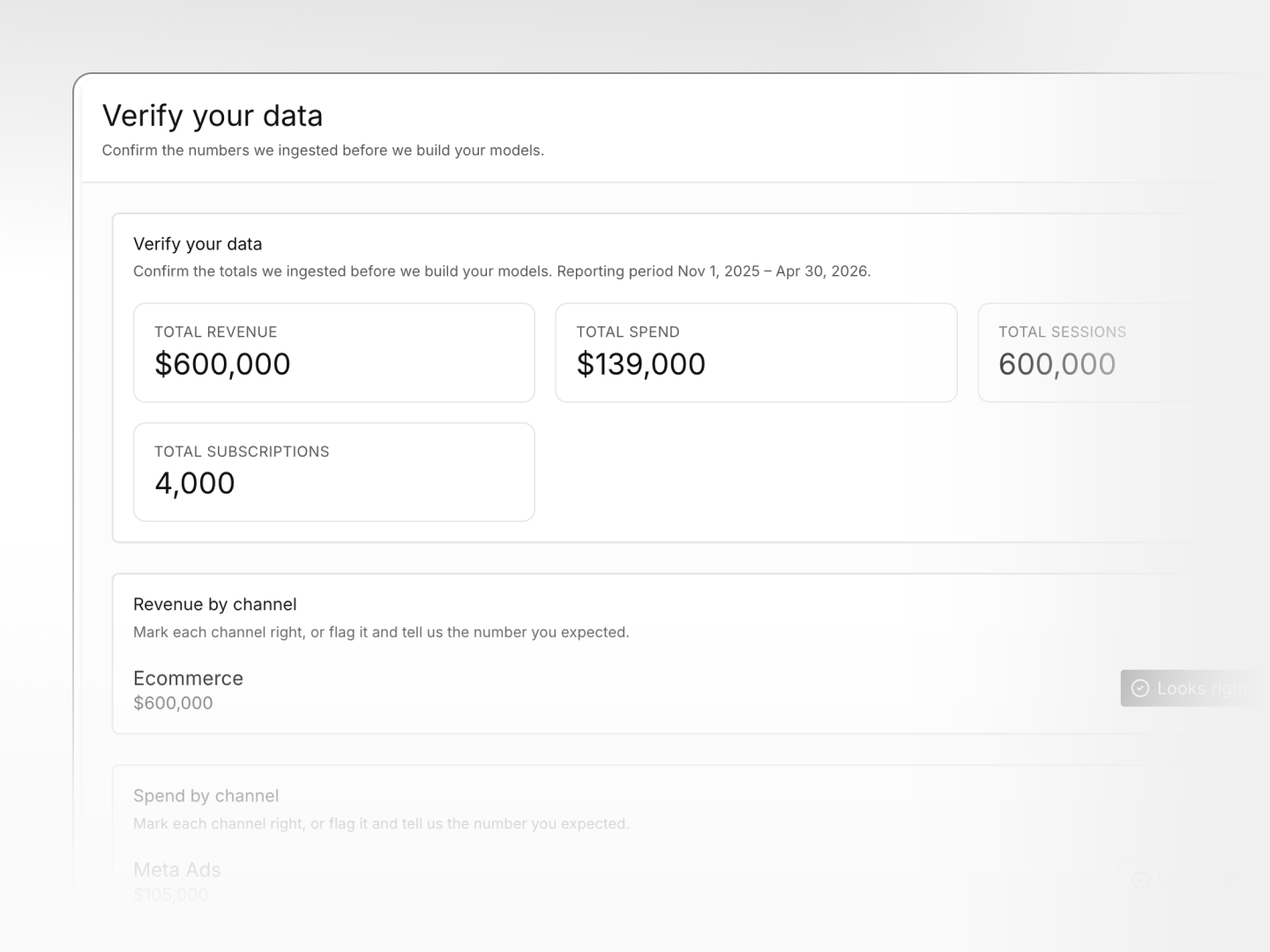
Confirm your data
Review a simple summary of imported data: revenue, spend, sessions. Verify the totals match your systems and flag anything off for instant Prescient team resolution.