
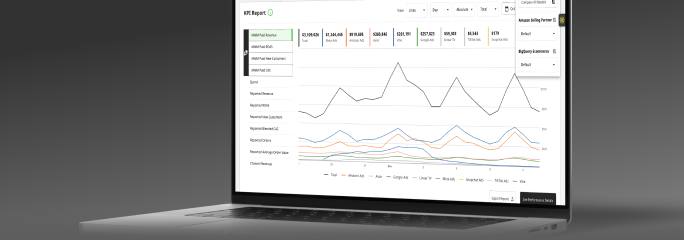



Model Center
See how your model works and how well it fits in one hub: its health, the signals feeding it, its configuration, and a Model Accuracy score from 0 to 100.
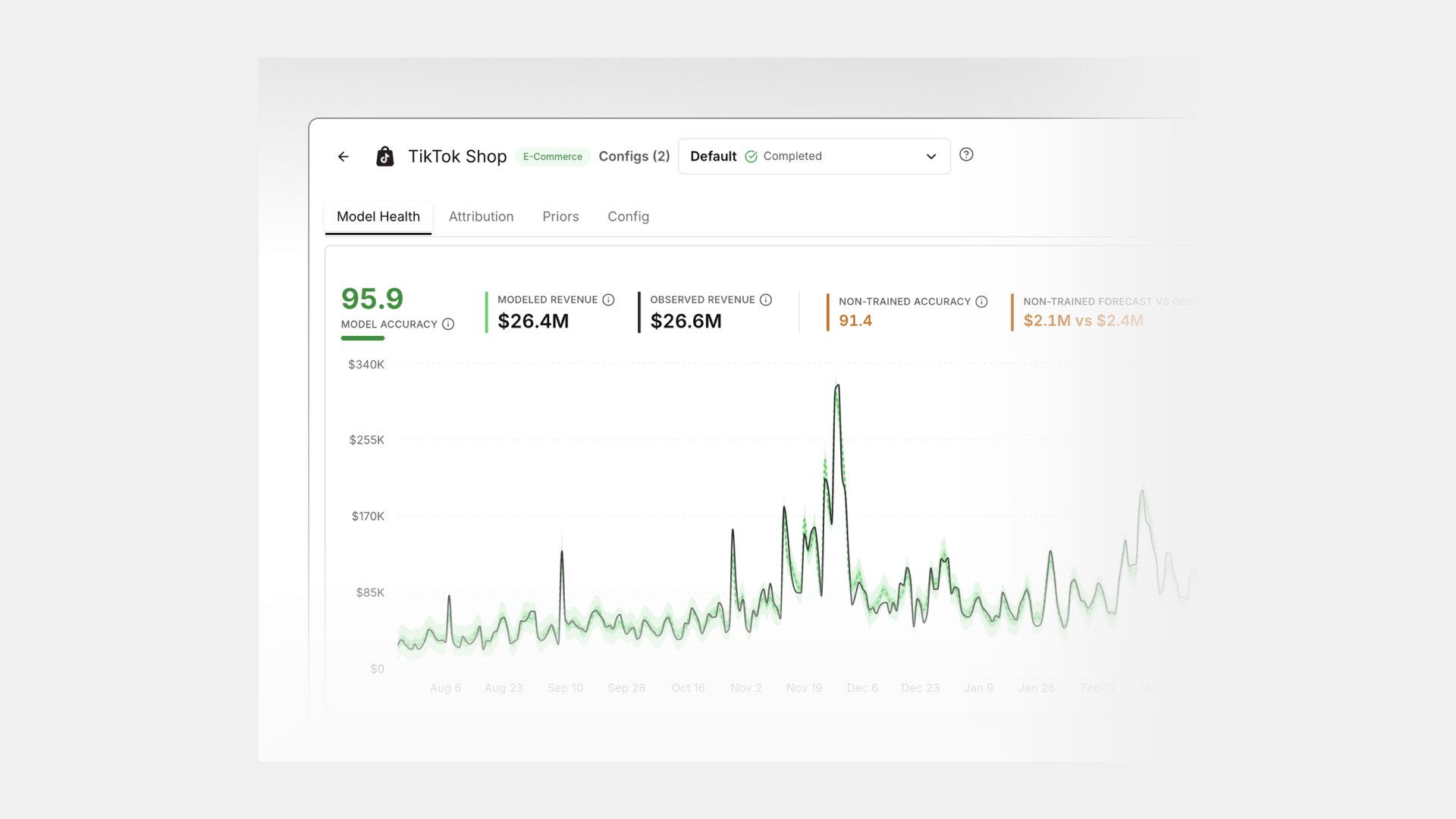
Model Center is one place for every model you run. Open a model and you get its health, the signals feeding it, its configuration, and an accuracy score. The idea is to let you judge the model yourself before you act on it, without booking a CS call to explain it.
A single accuracy score, with the backtest behind it
Model Health opens with an accuracy score from 0 to 100, built from SMAPE, and shows the in-sample and holdout SMAPE next to a backtest chart with 50% and 95% confidence bands. Modeled versus observed revenue and non-trained forecast performance sit right there too. When someone asks how good the model is, you answer with one number and point at the backtest behind it.
See what the model attributes
Each model shows how its performance splits across the media mix, Base and Halo, so its view of the world lines up with what you see in the rest of the platform.
Understand the assumptions
Priors show up as Bayesian ranges in a forest plot, with a timeline of how they have shifted as the model learned. Configuration is split into five groups, Channels and Tactics, Business Signals, Seasonality and Holidays, Data and Target, and Advanced Model Tuning, and each one keeps its own change history.
Compare two configurations
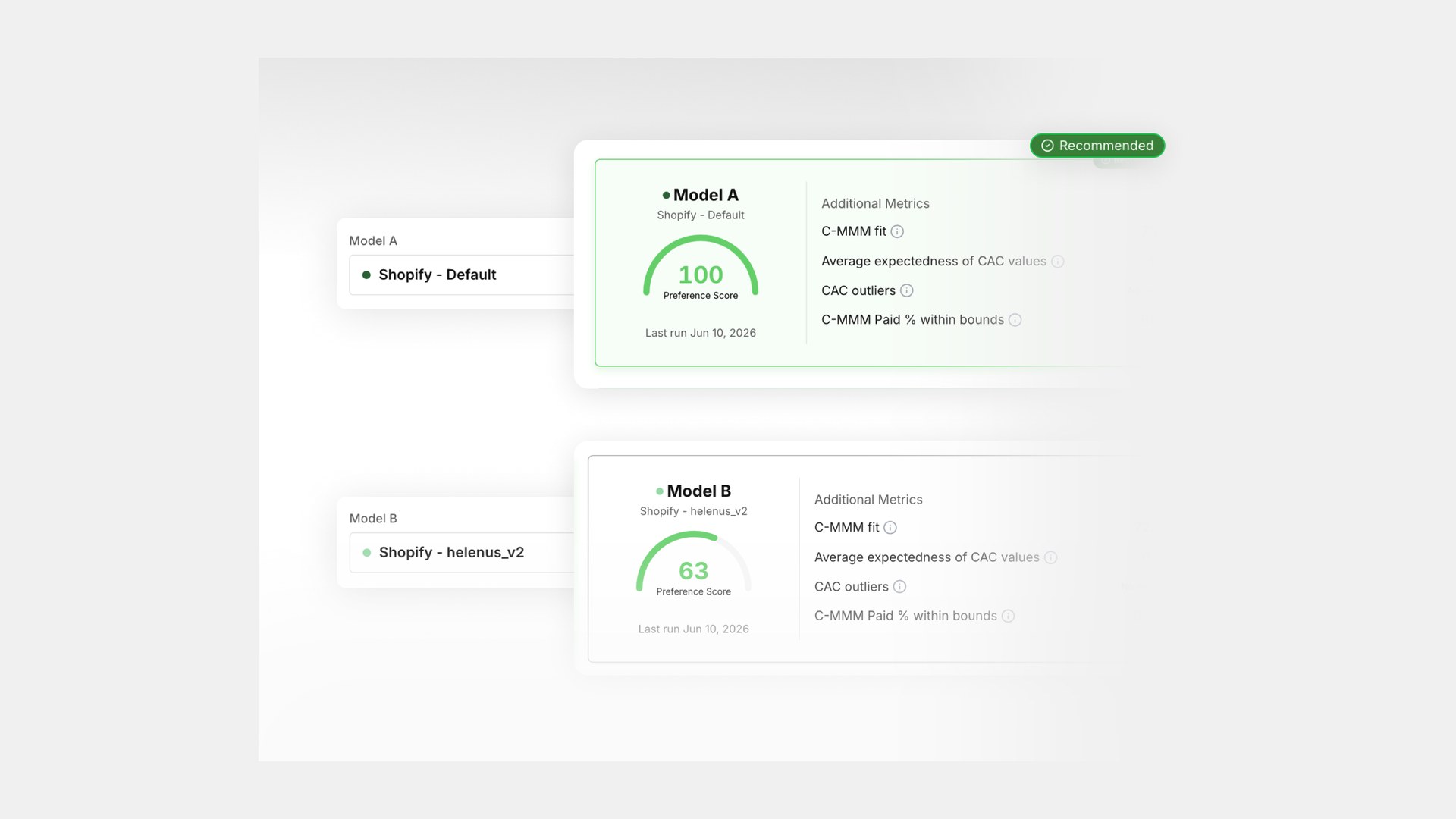
Put two configurations side by side, health, performance, and attribution, and keep the one that represents your business better. When you need the raw numbers, export them or pull them through the API.
Part of Prescient Horizons.